
How to tell if your browsing history was deleted
Chrome doesn't record when history is cleared. Learn the signs that browsing history was deleted, and how a separate history copy and a deletion log show what was removed and when.
Chrome doesn't keep a log of when history is cleared. Once entries are gone, the History page simply looks shorter — there's no "deleted on" note. Still, there are signs, and with the right setup you can know for sure.
Signs that Chrome history was cleared
- Gaps in
chrome://history: days you know you used the computer are missing, or the list starts unusually recently. - The list is shorter than about 90 days although the browser has been in use longer. Chrome normally keeps around 90 days.
- Address bar suggestions vanished: sites you visit often no longer autocomplete.
- You were signed out everywhere at once — a hint that cookies were cleared too, often together with history.
None of these tell you when it happened or what was removed.
Compare with a copy Chrome can't clear
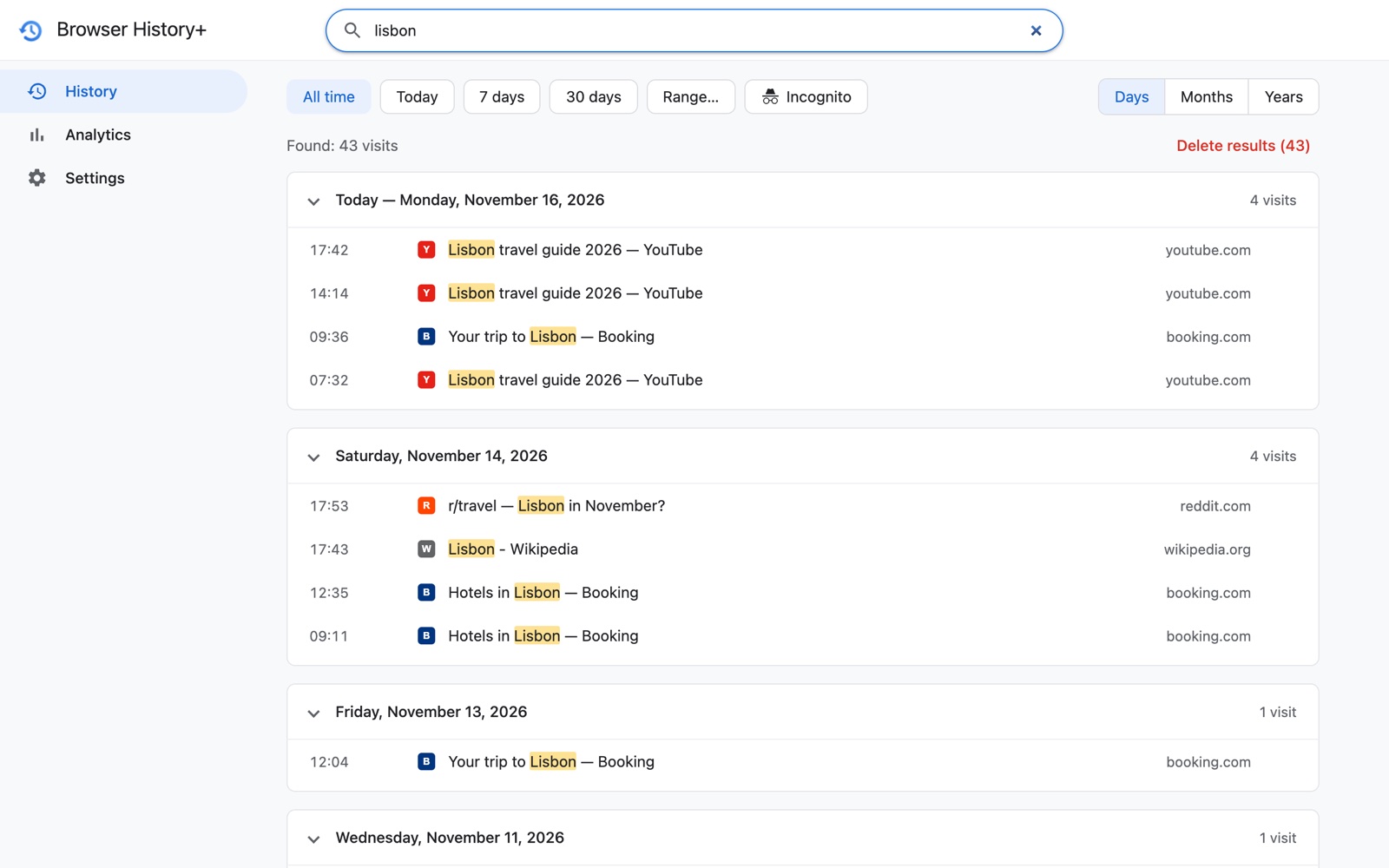
Browser History+ keeps a separate copy of every visit. "Clear browsing data" in Chrome doesn't touch it. That gives you a reference:
- Open Browser History+ and pick a day.
- Open
chrome://historyand look at the same day. - Pages that appear in Browser History+ but not in Chrome were deleted from Chrome's history.
You don't just learn that history was cleared — you get the pages back. See how to recover deleted Chrome history.
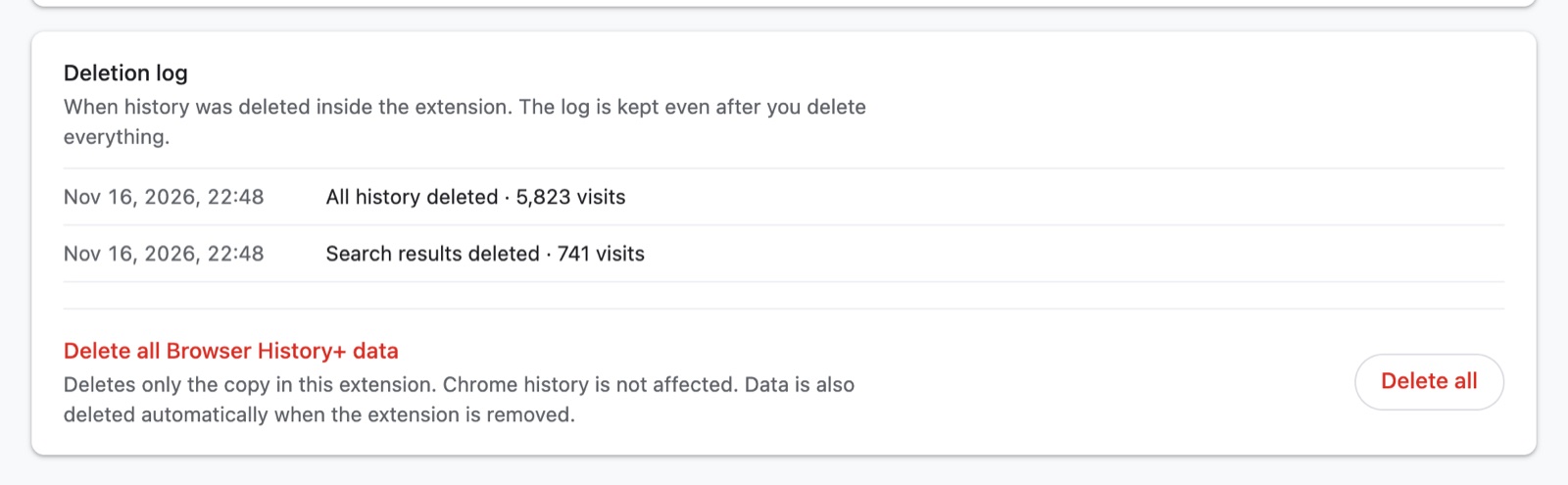
The deletion log: what was deleted inside the extension, and when
The Browser History+ copy can be deleted only from inside the extension. Each time that happens, it's written to the Deletion log in Settings:
- the date and time,
- what was deleted — all history, or the results of a search,
- how many visits were removed.
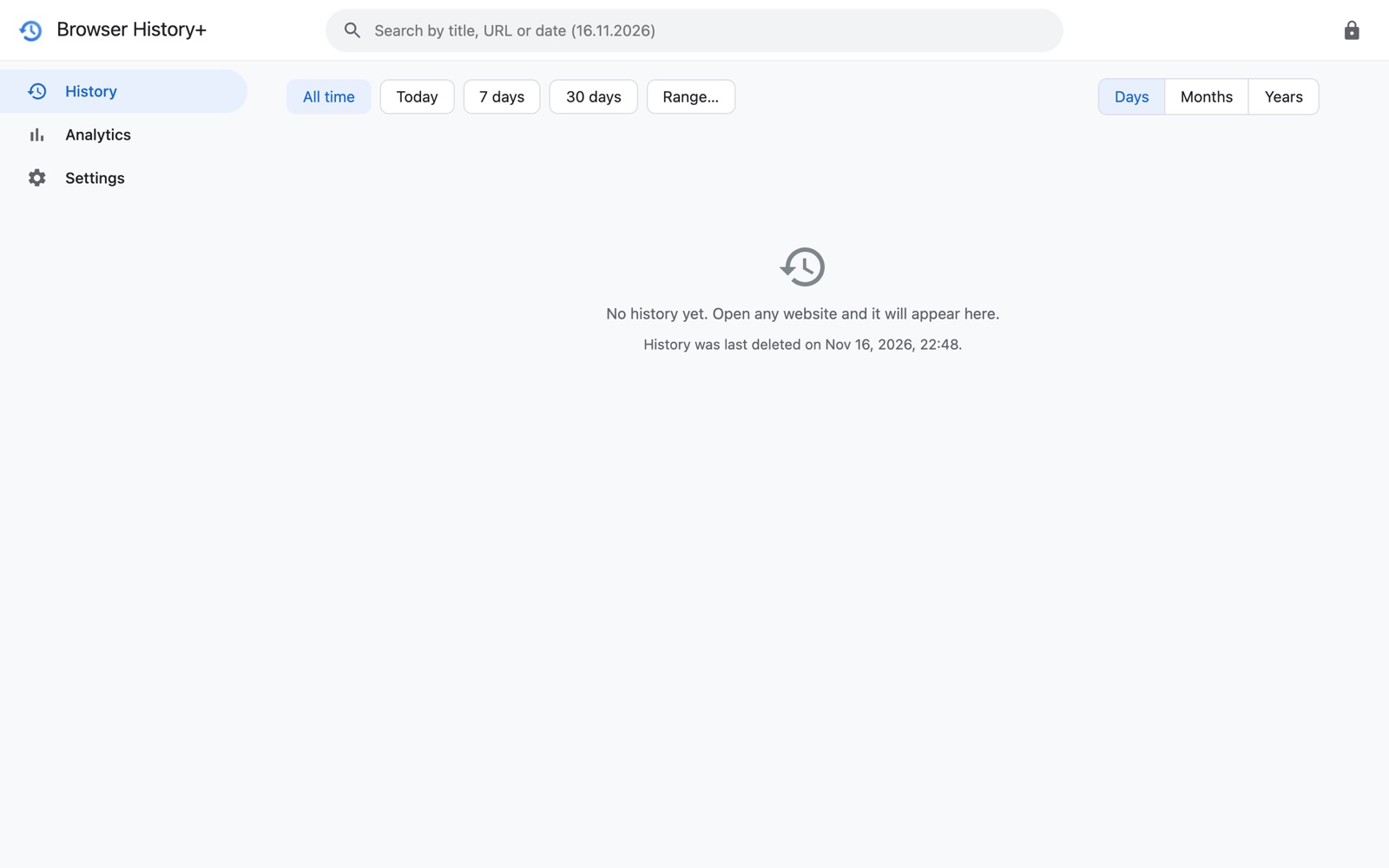
The log is stored separately from the history itself, so it survives "Delete all". After everything is deleted, the empty History screen also shows when it was last deleted.
Make deletion harder
Set a password in Browser History+. The whole app is locked, and deleting everything requires the password. Combined with the deletion log, nobody can quietly wipe your history copy from inside the extension.
Honest limits
- Browser History+ records history only while it's installed and enabled. Visits before installation come only from the one-time import of Chrome's history.
- Removing the extension deletes its data and its log. If you need protection against that, use a separate computer account with its own password.
- The deletion log covers deletions inside Browser History+. Chrome itself still doesn't log when its own history is cleared — the copy comparison above is how you detect that.
Frequently asked questions
Can I see when Chrome history was deleted?
Chrome doesn't record it. You can detect it by comparing Chrome's history with a separate copy such as Browser History+, which isn't affected when Chrome history is cleared.
Does Browser History+ log deletions?
Yes. Every deletion made inside the extension — all history or search results — is added to the Deletion log in Settings with the date, time and number of visits. The log is kept even after deleting everything.
Can someone delete my Browser History+ history without me knowing?
Not quietly from inside the extension: deletions are logged, and with a password set the app and "Delete all" are locked. Uninstalling the extension removes its data, so use a separate computer account for full protection.